
2 min read
How can I rate someone?
You can find the rating function directly on the relevant order page.
A rating is only possible if a transaction between buyer and seller has taken place. The rating function is activated once:
- the order has been completed (*Order completed*), or
- at least 14 days have passed since the order date
Before this, the rating button remains disabled. Once one of the conditions is met, you can activate the button on the order page and leave your rating.
Rating Steps
Here's how the rating process works step by step:
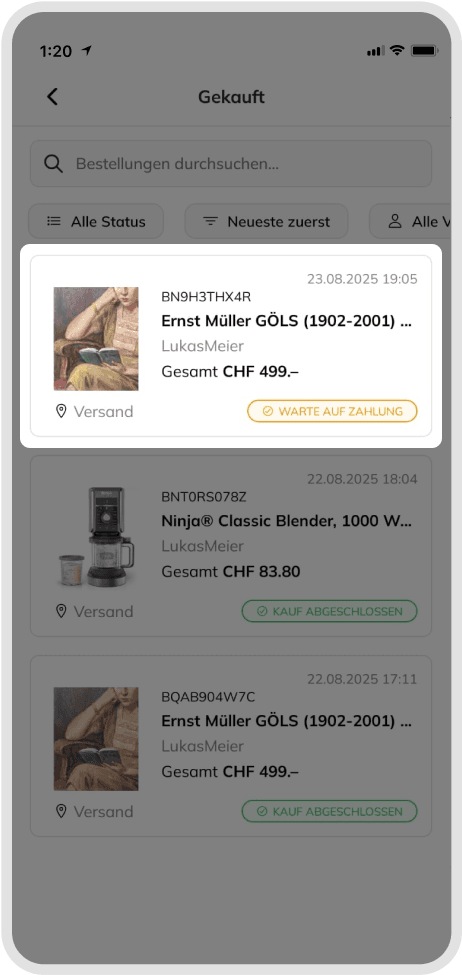
After clicking on the profile icon from the submenu, you can access your products and see their details on the My Orders page for the buyer and the My Sellings page for the seller.
- From the profile tab, go to My Orders for the buyer and My Selling for the seller.(See Figure 1)
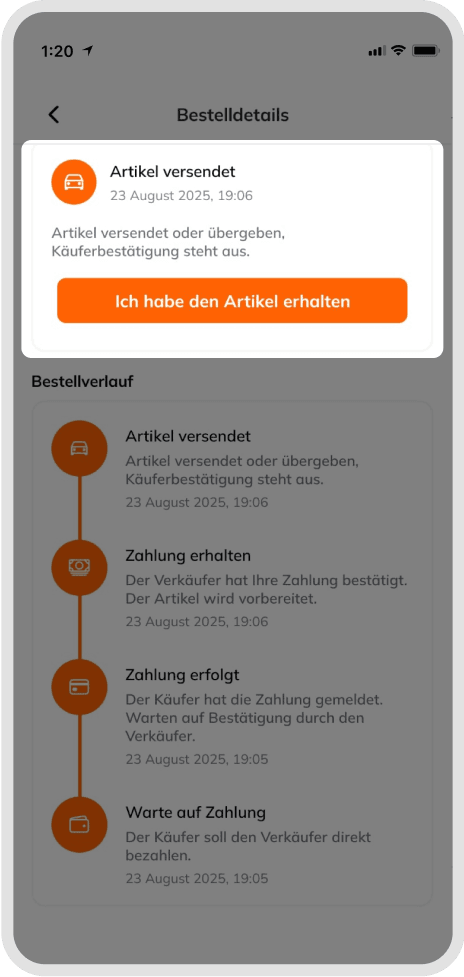
- When you click on your product, it will direct you to the product detail page, where you can follow the buying and selling steps until the end.
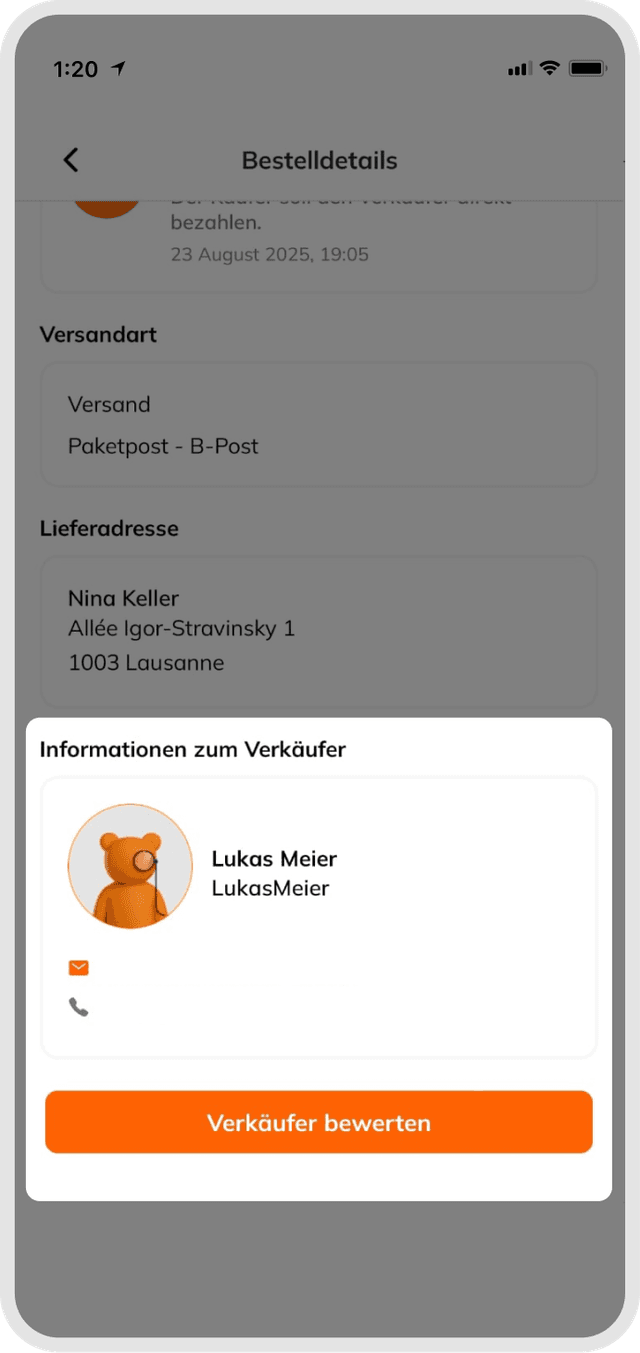
- After both parties have completed their transactions, you can scroll down the page and click the button to rate the buyer or seller.
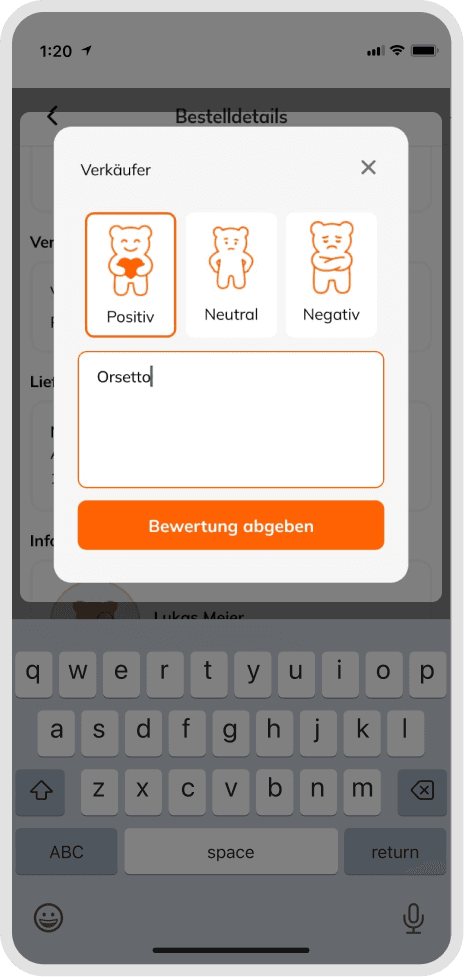
- After clicking the Rate button, you can rate the buyer/seller in 3 different ways (Positive / Neutral / Negative) and write a review comment.
In addition, an optional comment of up to 180 characters can be added. However, it is not possible to leave a rating without selecting positive/neutral/negative.
If you're wondering how the rating system works, you can check out the topic "How does the rating system work?"
In addition, an optional comment of up to 180 characters can be added.
Tip
It is not possible to leave a rating without selecting positive/neutral/negative.
Good to know
If you do not see an option to rate someone, this means that the rating phase for the order has not yet started.
Was this article helpful for you?
Articles you might be interested in
Need More Help?
If you need any further assistance, we will be happy to help you.