
2 min read
Where can I find my bids and how can I update them?
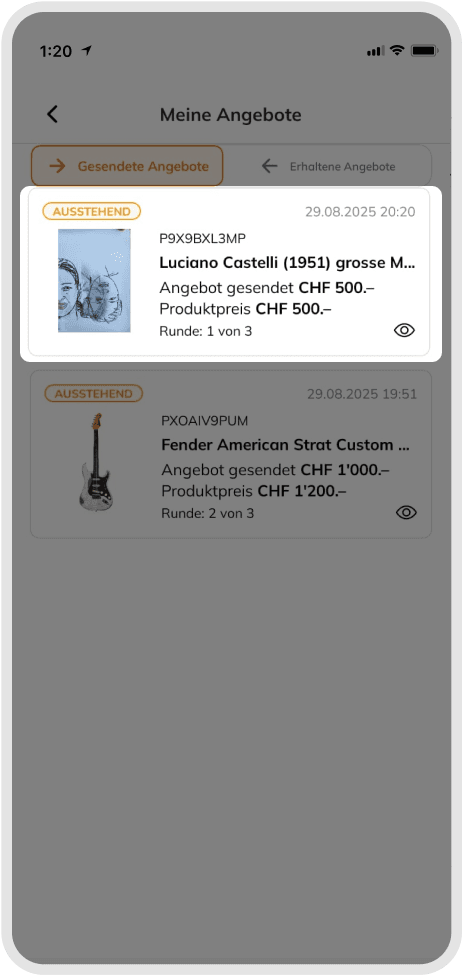
You can easily find all your placed bids in the "My Bids" section, accessible via your profile icon.
Your Bids at a Glance
• Active – Here you see all ongoing auctions you are participating in.
- Outbid: Another user has placed a higher bid.
- Highest Bidder: You are currently in the lead. In this status, you can adjust your maximum bid. To do so, click on the three dots next to the product. There you can either
• Increase your maximum bid, or
• Reset your maximum bid to the current price level so you remain the highest bidder.
• Ended – Here you find all completed auctions:
- Won: You successfully won the auction.
- Lost: Another user received the final bid.
Notifications
You will receive automatic notifications as soon as you are outbid or when an auction ends. This way, you always stay up to date with your bids – without having to constantly check manually.
Good to know
You always have an overview of your bids – both active and completed – and can flexibly react to new situations.
Was this article helpful for you?
Articles you might be interested in
Need More Help?
If you need any further assistance, we will be happy to help you.